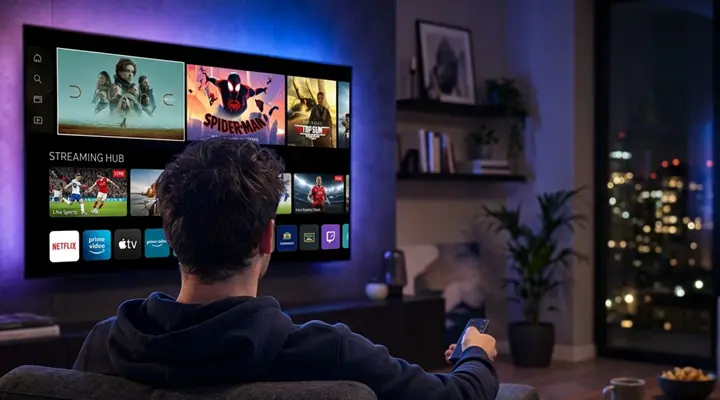
Sky Glass IPTV – Explore Best IPTV UK 2026
Looking for IPTV in the UK? Sky Glass IPTV provides information about internet-delivered television, subscription options and setup on compatible devices. Explore the service, check device requirements and read the installation guidance before choosing a plan.
IPTV stands for Internet Protocol Television. Instead of relying only on a traditional aerial, cable or satellite signal, IPTV delivers video over an internet connection. The channels and on-demand programmes available to you depend on the service, the subscription or playlist you use, your device and the relevant content permissions.
Live TV, Sports, Movies & Series







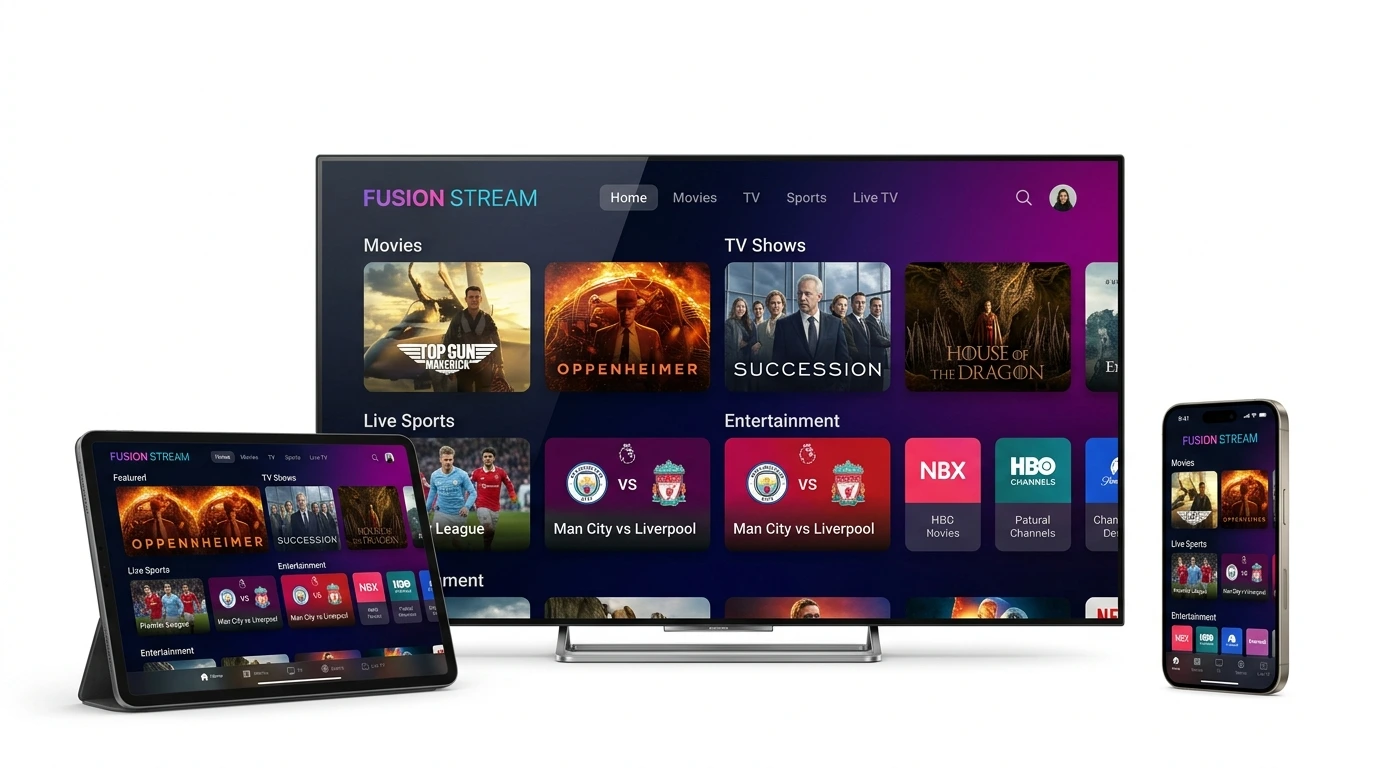
Works on Your Favourite Devices
& Firestick
Devices
TVs
PC & Laptop
Devices
Boxes
A straightforward way to get started
Sky Glass IPTV brings key information together in one place: subscription details, app installation guidance, device setup help and customer support. Start by checking that your device and IPTV player are compatible with the connection details supplied for your service. Then review the available plan terms before ordering.
1. Choose a plan
Compare the available subscription options
2. Set up a player
Install on your compatible device and enter details
3. Get support
Our team is here if you need help
What to check before choosing an IPTV service
Content rights: confirm that the provider is authorised to offer the channels and programmes you want to watch.
Device compatibility: check the exact app, player and device version required.
Connection quality: use a stable broadband connection and, where practical, a wired Ethernet connection.
Transparent pricing: check the full price, subscription length, renewal terms, connection limits and refund policy.
Support: make sure there is a genuine way to ask questions about setup, billing or account access.
Features and compatibility
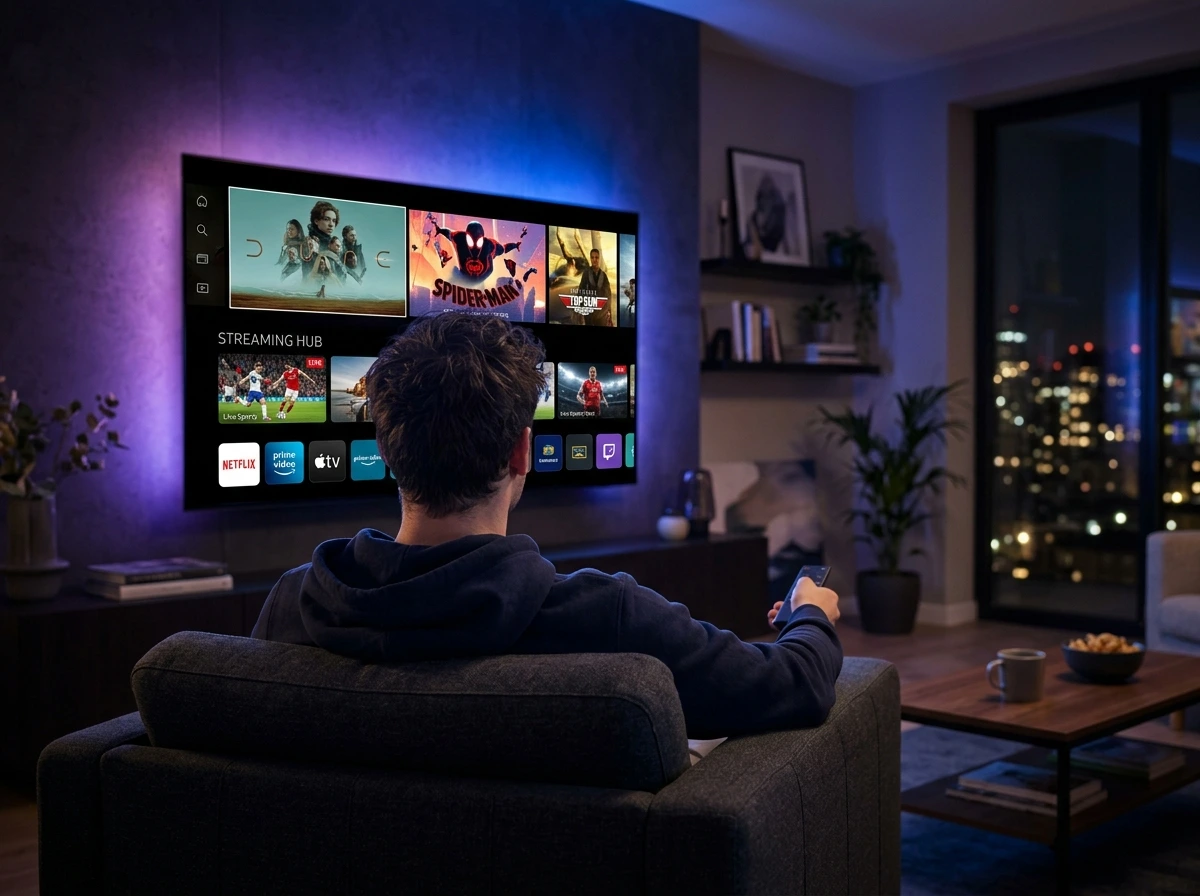
Depending on the selected player, device and service package, IPTV setups may support features such as channel categories, an Electronic Programme Guide (EPG), favourites, search, catch-up content or different playback resolutions. Not every feature is available on every device or playlist, so check the package details rather than assuming that every feature is included.
Who is this site for?
This website is intended for UK visitors who want to understand IPTV, compare the published subscription options, install a compatible player or get help with account setup. New users can begin with the subscription page; existing customers can go directly to the installation guide or contact support.
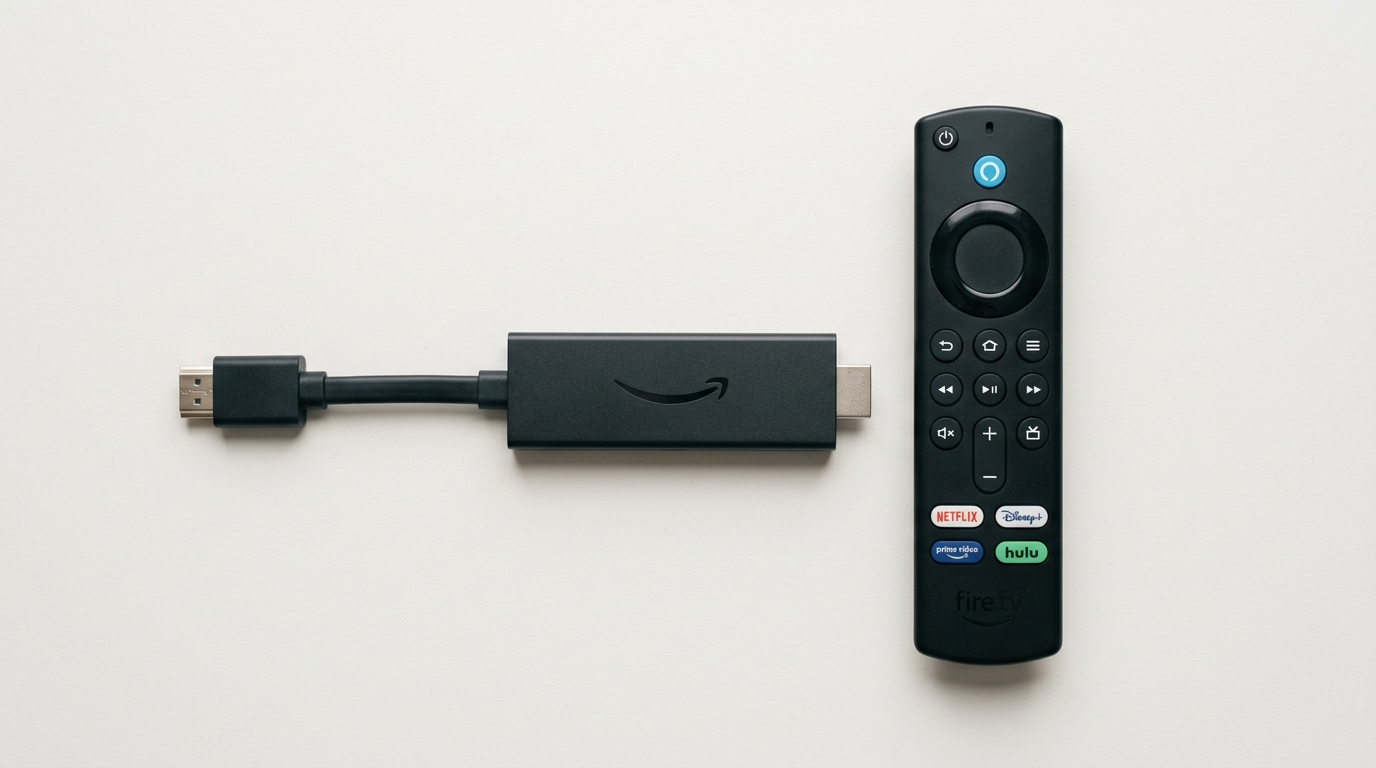
Fire TV
A Fire TV user should check that the required player can be installed on their model, follow the device-specific instructions and enter the correct account details.
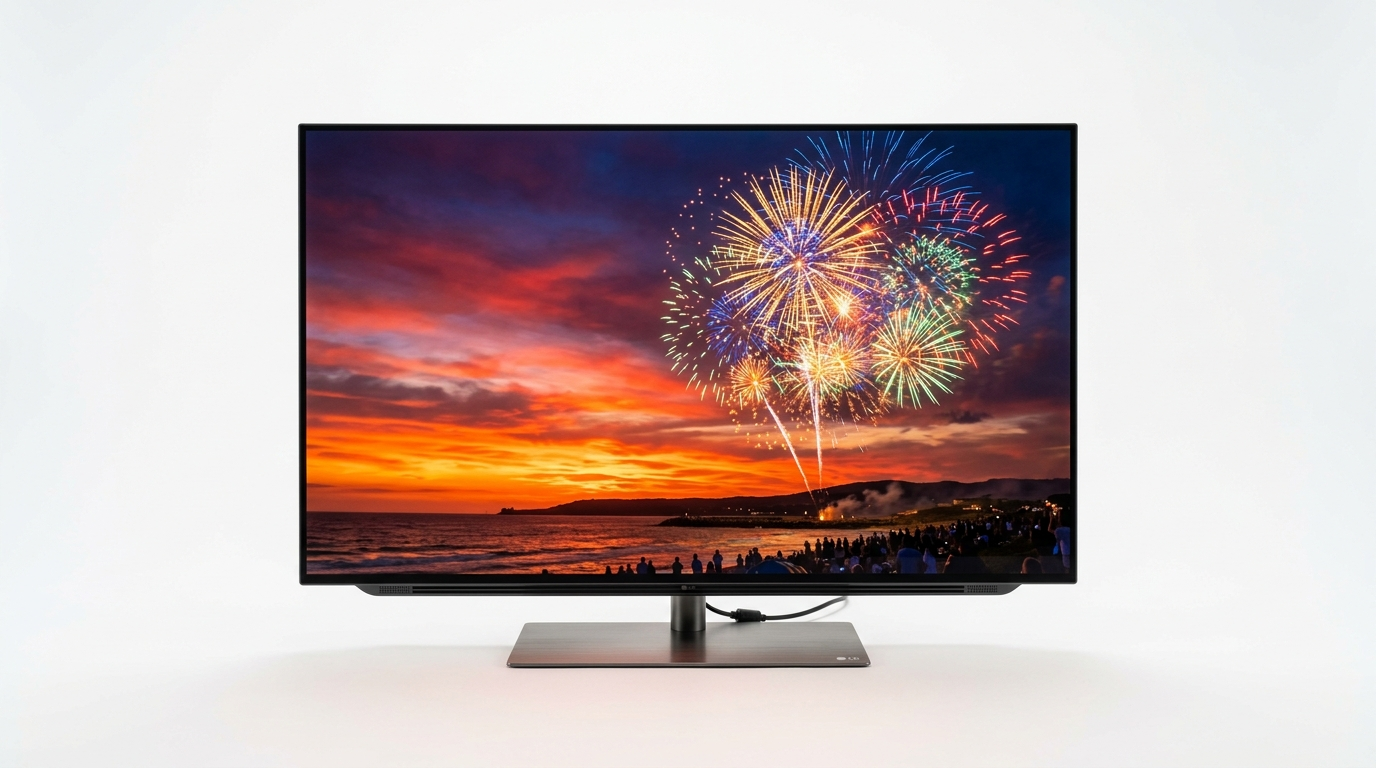
Smart TV
A Smart TV owner should first check the TV’s app store and operating system; a compatible external streaming device may be needed if the preferred player is unavailable.

Comparing plans
Someone comparing plans should check the number of simultaneous connections and renewal terms, not just the headline price.
Before you Decide
Before making a decision, review the published subscription terms, privacy information and refund policy. Performance can vary with broadband speed, Wi-Fi quality, device capability, network congestion and the source of the stream. No streaming service should be described as uninterrupted or universally compatible unless that can be demonstrated.

IPTV Subscription Plans
Choose the plan that fits your needs. All plans include live TV, movies, series and UK support.
1 Device
Reliable UK streaming for everyday entertainment across compatible players.
- 22,000+ Live TV Channels
- 100,000+ Movies & TV Series
- HD, Full HD & 4K Streaming
- EPG & Catch-up TV
- Compatible with All Devices
- 24/7 Customer Support
2 Devices
Watch on 2 screens simultaneously with separate playback.
- 22,000+ Live TV Channels
- 100,000+ Movies & TV Series
- HD, Full HD & 4K Streaming
- EPG & Catch-up TV
- Watch on 2 Devices at Once
- 24/7 Customer Support
3 Devices
Full multi-screen entertainment for up to 3 screens simultaneously.
- 22,000+ Live TV Channels
- 100,000+ Movies & TV Series
- HD, Full HD & 4K Streaming
- EPG & Catch-up TV
- Watch on 3 Devices at Once
- 24/7 Customer Support
Compatible Devices, Simple Workflow & Setup Process
Explore the supported hardware ecosystem, follow our straightforward three-step onboarding flow, and view the actual application setup process.

Compatible Device Ecosystem
Stream effortlessly across Samsung & LG Smart TVs, Amazon Fire TV Stick 4K, Android TV boxes, Apple iOS, Android mobile, and Windows/Mac computers.

Straightforward Onboarding Journey
1. Choose your preferred subscription plan → 2. Install a compatible player and enter your login details → 3. Receive immediate support on WhatsApp if needed.

Application Setup Preview
Clear, straightforward player login with server URL, username and password. Once authenticated, live channels, on-demand movies, series, and the UK EPG guide load automatically.
FAQs
What is IPTV UK?
IPTV UK generally refers to internet-delivered television services used by viewers in the United Kingdom. The channels available depend on the provider, subscription and content rights.
What is Sky Glass IPTV?
Sky Glass IPTV is the brand used on this website for its IPTV-related service information and subscription offering. Check the product and plan details on this site for the exact service included.
Do I need a satellite dish?
IPTV normally uses an internet connection rather than a satellite dish. You still need a compatible device, player and valid service details.
Which devices can I use?
Compatibility depends on the player and its current version. Check the installation guide for supported device categories and confirm your model before subscribing.
Does IPTV always stream in 4K?
No. Resolution depends on the content source, player, device, network and package. A 4K-capable device alone does not guarantee a 4K stream.
How do I choose a subscription?
Compare the current price, duration, permitted connections, supported devices, content rights, renewal terms and refund conditions.
Where can I get installation help?
Read the Installation Guide or use the contact details on the Contact Us page for assistance with a supported setup.
Ready to review the available options?
Explore the latest plans and find the right option for your setup.