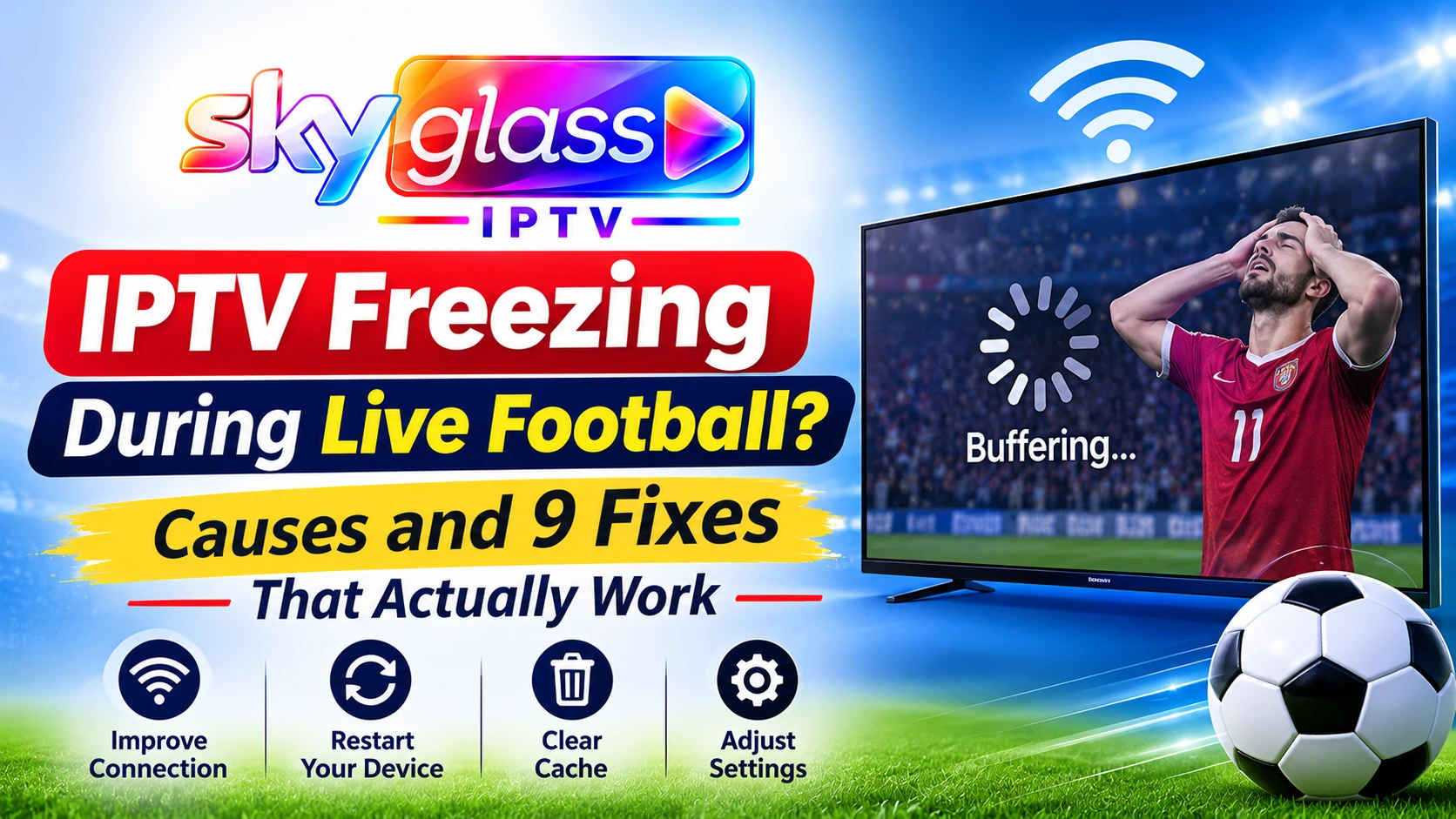
IPTV Freezing During Live Football: Causes and Fixes
Kick-off, a goal about to happen, and the picture freezes. If IPTV freezing during live sports keeps ruining your matches, the cause is usually one of a few things you can check in minutes.
Quick answer: live football freezes mostly because of network congestion, weak Wi-Fi or an overloaded device, not a faulty subscription. Use Ethernet, close other streams, clear the app cache, and try a different channel for the same match. If it still freezes, contact support with the channel name and time.
This guide applies to IPTV freezing live sports in the UK on Firestick, Android, Smart TVs and PCs, including players such as IPTV Smarters Pro.
Why Does IPTV Freeze More During Live Sports?
Live sport is the hardest test for any stream. Thousands of people watch the same match at the same moment, and the video has no pre-loaded buffer to hide small drops. Common reasons include:
- Peak-time congestion, especially Saturday 3pm and midweek European nights
- Weak Wi-Fi that copes with films but not live motion
- A busy home network, with several people streaming at once
- An overloaded or old device, such as a Firestick with low storage
- A problem with one specific stream, not your setup
- Player settings that don’t suit live content
Freezing vs Buffering: What’s the Difference?
Buffering shows a spinning wheel while the player waits for data. Freezing means the picture stops, often while the sound carries on, then jumps ahead. Both come from the same family of problems. If you see a spinner, read our guide on the IPTV buffering fix. If the video locks up, keep reading.
Fix 1: Switch to Ethernet or 5GHz Wi-Fi
Wi-Fi interference is the top cause of match-day freezing.
- Use an Ethernet cable where you can. A Fire TV Stick can use an official Ethernet adapter.
- Otherwise use the 5GHz Wi-Fi band and sit close to the router.
- Keep the router away from microwaves, thick walls and cordless phones.
Fix 2: Reduce Other Streams and Downloads
Football often means the whole house is online.
- Pause game updates, cloud backups and large downloads before kick-off.
- Ask others to avoid 4K streaming during the match.
- Disconnect devices you aren’t using.
Fix 3: Restart Everything Before the Match
Do this 15 to 30 minutes before kick-off.
- Close the IPTV app completely.
- Restart your TV, Firestick or phone.
- Unplug the router for 30 seconds and plug it back in.
- Open the app and test the match channel early.
Fix 4: Clear the App Cache and Free Up Storage
On Firestick, go to Settings > Applications > Manage Installed Applications, pick your IPTV app and choose Clear cache. Then uninstall apps you don’t use. Low storage is a major cause of freezing on older sticks.
On Android, use Settings > Apps > your IPTV app > Storage > Clear cache. Avoid “Clear data” unless you have your login details ready.
IPTV Freezing Live Sports on Android
For IPTV freezing live sports on Android, also check that battery saver is off, close background apps, and update the app. Phones with low memory often freeze when many apps run behind the player. If you need the current build, use the Sky Glass IPTV APK page.
Fix 5: Change Player Settings in IPTV Smarters Pro and Others
If you use IPTV Smarters Pro or a similar player, try these options where your version offers them:
- Switch the decoder between hardware and software.
- Try a different stream format (for example TS and M3U8) in player settings.
- Pick another external player, such as VLC or MX Player, from the player options.
- Adjust the buffer size in small steps if the app allows it. A larger buffer smooths short drops but delays the start.
Settings differ by app and version, so check what yours offers.
Fix 6: Try a Different Channel for the Same Match
Many matches appear on more than one channel or stream. If one freezes, switch to another version of the same fixture.
- Only one channel freezes: the stream is the problem, not your connection.
- Every channel freezes: the problem is on your side. Go back to fixes 1 to 5.
This quick test saves a lot of guessing.
Fix 7: Check Your Broadband Speed at Match Time
Run a speed test during the match, not just earlier. As a guide, you need about 10 Mbps for HD and 25 Mbps or more for 4K, per stream. If your speed falls sharply in the evening or at weekends, speak to your internet provider.
Fix 8: Contact Support with Match Details
If the problem continues, contact support and share:
- The channel name and the match and time
- Your device, app and version
- Whether you use Wi-Fi or Ethernet
- A speed test result
Detailed reports help the team find patterns, such as a particular channel failing at a particular time.
IPTV Freezing Every 10 Seconds: What It Means
If your picture freezes at regular intervals, such as IPTV freezing every 10 seconds, that regular pattern is a clue. It usually points to:
- Wi-Fi interference or a weak signal that drops and reconnects
- A buffer that keeps emptying because speed dips below what the stream needs
- A device running out of memory and recovering repeatedly
- A router under strain, often with many connected devices
Switch to Ethernet first. If the pattern disappears, your Wi-Fi was the cause. If it continues on Ethernet, clear the cache, test another app and try a different channel.
IPTV Stops After a Few Seconds
If the stream starts and then stops after a few seconds, check these:
- Login or connection limit: the account may be in use on too many devices. See the subscription plans for connection limits.
- Expired or inactive subscription.
- Weak connection that can’t hold the stream.
- A faulty stream URL or app issue. Re-enter your details or reinstall the app from the installation guide.
What Reddit Users Say About IPTV Freezing
Searches for IPTV keeps freezing Reddit and IPTV freezing every 10 seconds Reddit show the same advice appearing again and again: wired connection first, then cache, then a different player, then a different stream. That order is sensible, and it matches the fixes above. Forum answers are mixed, though, because every setup differs. Test one change at a time so you know what worked.
Does a VPN Help with IPTV Freezing?
People often ask whether a VPN helps with IPTV buffering or freezing. Usually no. A VPN adds an extra connection step and typically lowers speed, which can make freezing worse.
It may help only if a speed test proves your provider is slowing certain traffic. That is uncommon. If you try a VPN, use a reputable paid service and compare with and without it. Fix your Wi-Fi, device and cache first.
Quick Match-Day Checklist
- Use Ethernet or 5GHz Wi-Fi.
- Pause downloads and extra streams.
- Restart the device and router early.
- Clear the cache and free storage.
- Test the match channel before kick-off.
- Have a backup channel ready.
- Contact support quickly if issues continue.
Frequently Asked Questions
Why does my IPTV freeze during football but not films?
Live matches have many viewers at once and no pre-loaded buffer, so small speed drops show up straight away.
Why is IPTV freezing every 10 seconds?
Regular freezing usually points to Wi-Fi interference, an emptying buffer or an overloaded device. Try Ethernet first.
How do I fix IPTV freezing on Android?
Clear the app cache, close background apps, turn off battery saver, update the app and use 5GHz Wi-Fi.
Does a VPN stop IPTV freezing?
Usually not. A VPN often reduces speed. Test one only if you suspect throttling.
Will upgrading my plan stop freezing?
Not by itself. Freezing mostly comes from your network or device. Choose a plan with more connections only if you need more screens.
Can I test the service before a big match?
Yes. Request a free trial on WhatsApp and check your device and connection ahead of kick-off.
What speed do I need for live sports?
About 10 Mbps for HD and 25 Mbps or more for 4K, per stream.
Still Freezing?
Work through the checklist, then contact the support team with the channel, match and time. For setup help, see the installation guide, or read the full Sky Glass IPTV UK guide.