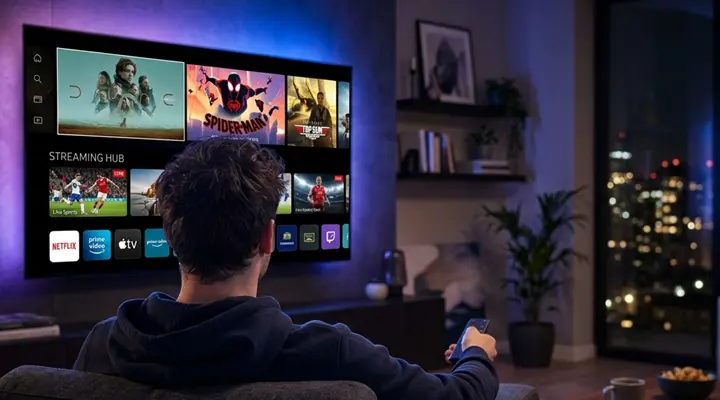
Sky Glass IPTV Subscription – Plans, Prices and Options
Choose a Sky Glass IPTV subscription by comparing the available durations, connection allowances and published prices. The service is intended to be used through a compatible IPTV player and device. Before you order, make sure the selected package suits your setup and that you understand what is included.
Sky Glass IPTV Subscription Plans
The options below are arranged by the number of connections. Compare the complete price for the period you want, and check the current checkout total and package conditions before payment.
1 Device
Reliable UK streaming for everyday entertainment across compatible players.
- 22,000+ Live TV Channels
- 100,000+ Movies & TV Series
- HD, Full HD & 4K Streaming
- EPG & Catch-up TV
- Compatible with All Devices
- 24/7 Customer Support
2 Devices
Watch on 2 screens simultaneously with separate playback.
- 22,000+ Live TV Channels
- 100,000+ Movies & TV Series
- HD, Full HD & 4K Streaming
- EPG & Catch-up TV
- Watch on 2 Devices at Once
- 24/7 Customer Support
3 Devices
Full multi-screen entertainment for up to 3 screens simultaneously.
- 22,000+ Live TV Channels
- 100,000+ Movies & TV Series
- HD, Full HD & 4K Streaming
- EPG & Catch-up TV
- Watch on 3 Devices at Once
- 24/7 Customer Support
Plan Comparison
Compare the main features included in each plan.
| Features | 1 Device | 2 Devices | 3 Devices |
|---|---|---|---|
| Live TV Channels | 22,000+ | 22,000+ | 22,000+ |
| Movies & TV Series | 100,000+ | 100,000+ | 100,000+ |
| Streaming Quality | HD, Full HD & 4K | HD, Full HD & 4K | HD, Full HD & 4K |
| EPG (TV Guide) | |||
| Catch-up TV | |||
| Number of Devices | 1 | 2 | 3 |
| Customer Support | 24/7 | 24/7 | 24/7 |
| 1 Month Price | £12 | £20 | £25 |
| 3 Months Price | £22 | £35 | £45 |
| 6 Months Price | £30 | £45 | £70 |
| 12 Months Price | £45 | £75 | £110 |
A checklist before buying
Use this checklist to compare the package with your requirements. The current checkout information and written service terms should take priority over older adverts or screenshots.
Subscription period:
check whether monthly, three-month, six-month and annual options are currently offered, and compare the total amount payable for the full period.
Number of connections:
confirm how many devices can be connected and how many can play at the same time. Installing the player on several devices does not give permission for simultaneous viewing.
Device and player support:
identify the exact device model and operating-system version, and confirm that the required player is available for that platform.
Content and functions:
check the channels, on-demand catalogue, programme guide, catch-up availability and playback resolutions included in the package.
Renewal and cancellation:
ask whether the subscription ends automatically or renews, how to renew and what steps are required to cancel.
Refund terms:
read the current refund and cancellation policy before making a payment. If a term is unclear, ask for clarification in writing.
How to start your IPTV subscription
1. Choose a plan
Choose the connection option and duration that match your intended use.
2. Review terms
Read the full price, service description, connection rules, renewal terms and refund policy.
3. Complete order
Place the order using the payment route confirmed by the provider.
4. Set up your player
Use the account or playlist details supplied for your package to configure a compatible player.
5. Get support
Keep your credentials private and contact support through a verified channel if setup fails.
What is included with an IPTV subscription?
An IPTV subscription generally provides access credentials or playlist information that a compatible player uses to connect to a service. The precise content catalogue, programme guide, playback quality and additional functions depend on the package and the provider’s authorised content sources. Installing a player app alone does not automatically provide television channels or a content subscription.
After purchase, follow the setup method supplied for your account. Some players request a username, password and server address; others use a playlist URL or device-specific activation process. Use only the information provided for your own account.
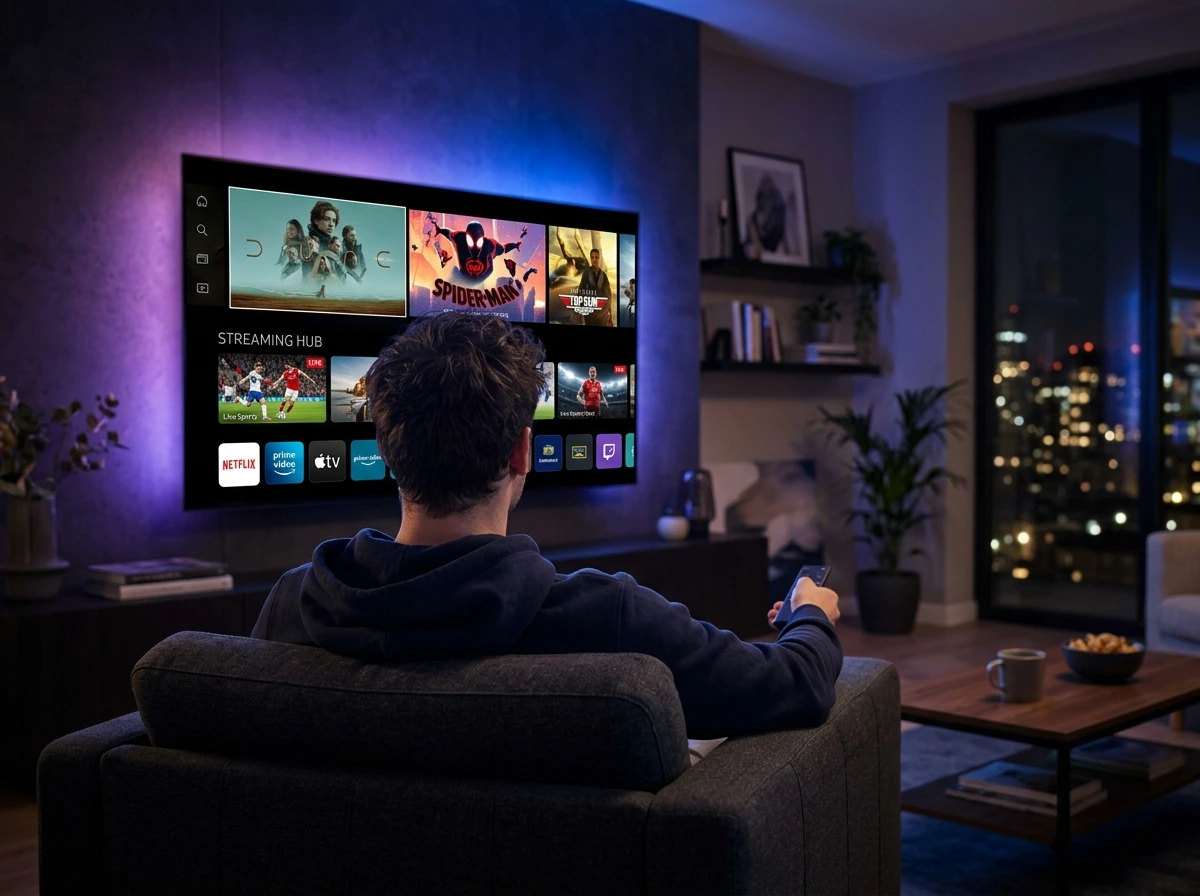
Supported devices
Sky Glass IPTV can be used on the device categories below. Availability of a particular player can vary by model, operating system and region.
& Firestick
Devices
TVs
PC & Laptop
Devices
Boxes
Is a trial available?
Trial offers can change and may have eligibility conditions. A 24-hour trial has been offered, but customers should confirm the current offer, duration, access limits and any requirements with support before activation. A trial should not be assumed to convert to a paid plan unless the terms clearly say so.
Trial availability
Check the current offers on this page for trial options and terms.
Internet connection and playback
A dependable broadband connection is important, but no single advertised speed guarantees uninterrupted playback. Results are influenced by stream bitrate, video resolution, Wi-Fi coverage, router capacity, device performance and the number of people using the connection. If practical, test the connection in the room where you watch and consider a wired Ethernet connection.
Improve connection reliability
- Place the router where the viewing device receives a strong signal.
- Avoid running large downloads on the same network while testing playback.
- Restart the router and device if a connection problem occurs.
- Use Ethernet where the device and network support it.
Choosing a subscription length
If you are new to the service, a shorter available term may let you check compatibility and suitability before committing to a longer period. When comparing an annual price with shorter renewals, calculate the total cost across the same timeframe and consider the refund and cancellation conditions. Choose on the basis of the written terms rather than an advertised saving alone.
Compare total cost
Check the price, duration, connection allowance and renewal terms for each plan.
Frequently asked questions
What does IPTV subscription mean?
An IPTV subscription is an arrangement that provides access to an internet-delivered television service through supported account credentials or playlist details. The package determines the access period and any connection limits.
How much is a Sky Glass IPTV subscription?
Prices start at £12 for one month on the one-device option. Other prices vary by connection count and duration. Check the live pricing and checkout total before paying.
Are monthly and yearly options offered?
Plans are listed for one, three, six and twelve months. Confirm that the duration you want remains available.
Can I use one plan on several devices?
The displayed plans have different connection allowances. Check the exact simultaneous-use rules and device restrictions before purchase.
Is there a free trial?
A 24-hour trial may be available. Confirm current availability and eligibility with the team.
What happens at expiry?
Check the expiry date and renewal instructions supplied with your account. Confirm whether renewal is manual or automatic before paying.
Does the plan include a player app?
The player application and content access may be separate. Check which application is required and what is included in the package.
Are refunds available?
Refund requests are handled under the published policy and applicable law. Read the policy before purchase and contact support with your order details if necessary.
Need help choosing a plan?
Contact the team with your preferred device, required number of connections and intended subscription period. Review the terms before completing an order.