IPTV Not Activated After Payment? What to Do Next
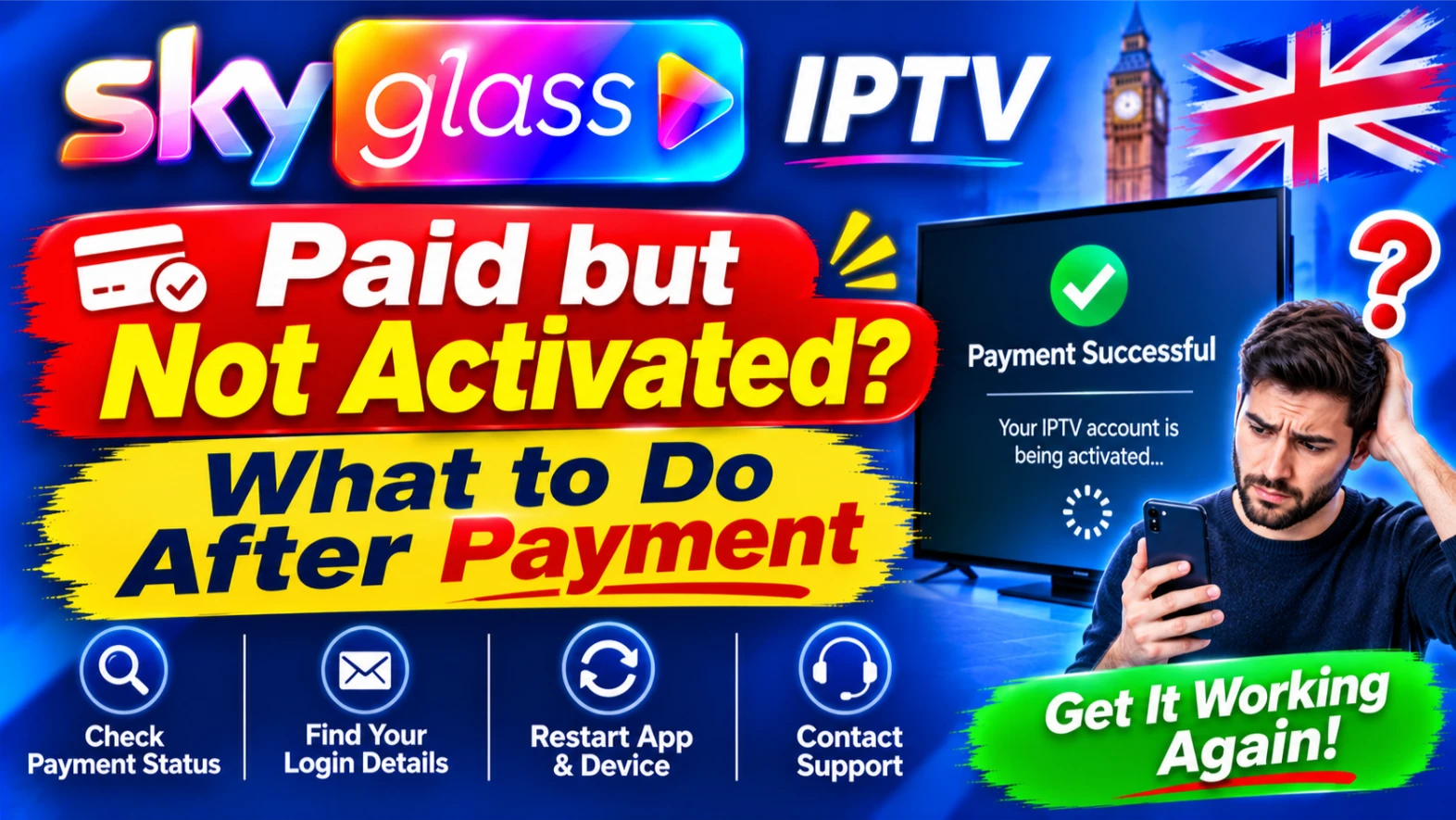
IPTV not activated after payment? If you have paid but cannot access the service, avoid making another payment straight away. The order process has several stages: payment, order confirmation, delivery of account details and successful sign-in. Checking each stage in sequence helps identify what needs attention.
Quick answer: Confirm that the payment is marked completed, check your inbox and spam folder for an order confirmation, find the login details and enter them exactly as supplied. If one stage is missing, contact Sky Glass IPTV support with your order reference and payment evidence. Never send your password or full card details.
Step 1: Check the payment status
Open the payment receipt, bank app or payment provider's transaction history. Confirm whether the payment is completed, pending, processing or failed.
A pending transaction may not yet have been confirmed to the merchant. If money appears to have left your account but the transaction status is unclear, contact the payment provider and Sky Glass IPTV support with the reference.
Step 2: Find the order confirmation
Check the email address used at checkout, including spam, junk and promotions folders. Also review any confirmation page or support conversation associated with the order.
If a payment receipt exists but no order confirmation arrived, the email address may have been entered incorrectly or the order may need manual checking. Send support the order reference and the address or contact method used.
Step 3: Locate your login details
Look for the username, password and server address, or the playlist link, in the official confirmation message or support conversation. Make sure you are checking the same contact channel used for the order.
If the details have not arrived, ask support to confirm the delivery method and resend them if appropriate. Activation times and delivery procedures depend on the provider's current process; do not assume a specific turnaround unless it has been confirmed.
Step 4: Enter the details correctly
Check that you selected the correct login method in the player. Xtream Codes-style sign-in usually asks for a server address, username and password, while an M3U setup uses a playlist link.
Type the information carefully. Look for spaces at the beginning or end, capital letters and characters such as O and zero. Include the full server address exactly as supplied, including any scheme or port number.
Remove an old saved profile only if you have the current credentials available. If the app still rejects the details, follow the Sky Glass IPTV login troubleshooting guide.
Quick diagnosis
Payment pending: wait for the payment provider's status to update and retain the reference.
Payment completed but no order confirmation: check spam and the checkout email, then contact support.
Order confirmation received but no login: ask support to verify delivery and resend the credentials if required.
Login received but rejected: check the login method, server address and spelling.
Login accepted but nothing plays: check the network, app and account status rather than repeating payment.
What to send support
Provide your order number or transaction reference, a redacted payment confirmation, the name or email used at checkout, the plan selected, your device and app, and the exact error message.
Share this information only through the official support channel. Hide full card numbers, security codes and other sensitive payment information. Never post account credentials publicly.
Subscription activation versus app activation
Subscription activation means the provider has processed the order and made the account available. Some third-party player apps have a separate licence or activation process. These are not the same thing.
If a player asks for a device code or licence, check the app developer's own instructions. Do not assume that paying for a service subscription also purchases a separate player licence.
Frequently Asked Questions
Why is my account not active after payment?
The payment may still be pending, the order may need checking, the credentials may not have reached you or the details may have been entered incorrectly.
Should I pay again?
No. Contact official support first with your transaction reference and payment evidence.
How long does activation take?
The timing depends on the provider's current process and payment method. Ask support for the applicable timeframe rather than relying on a general estimate.
Where are my login details?
Check the email address and messaging channel used for the order, including spam and junk folders.
Is an app activation code the same as a subscription?
No. Some player apps have their own licence or device activation, separate from the subscription account.
Need more help?
Contact Sky Glass IPTV support with your order reference and a redacted payment receipt, and explain which stage has not completed. Do not send your password or full payment details.