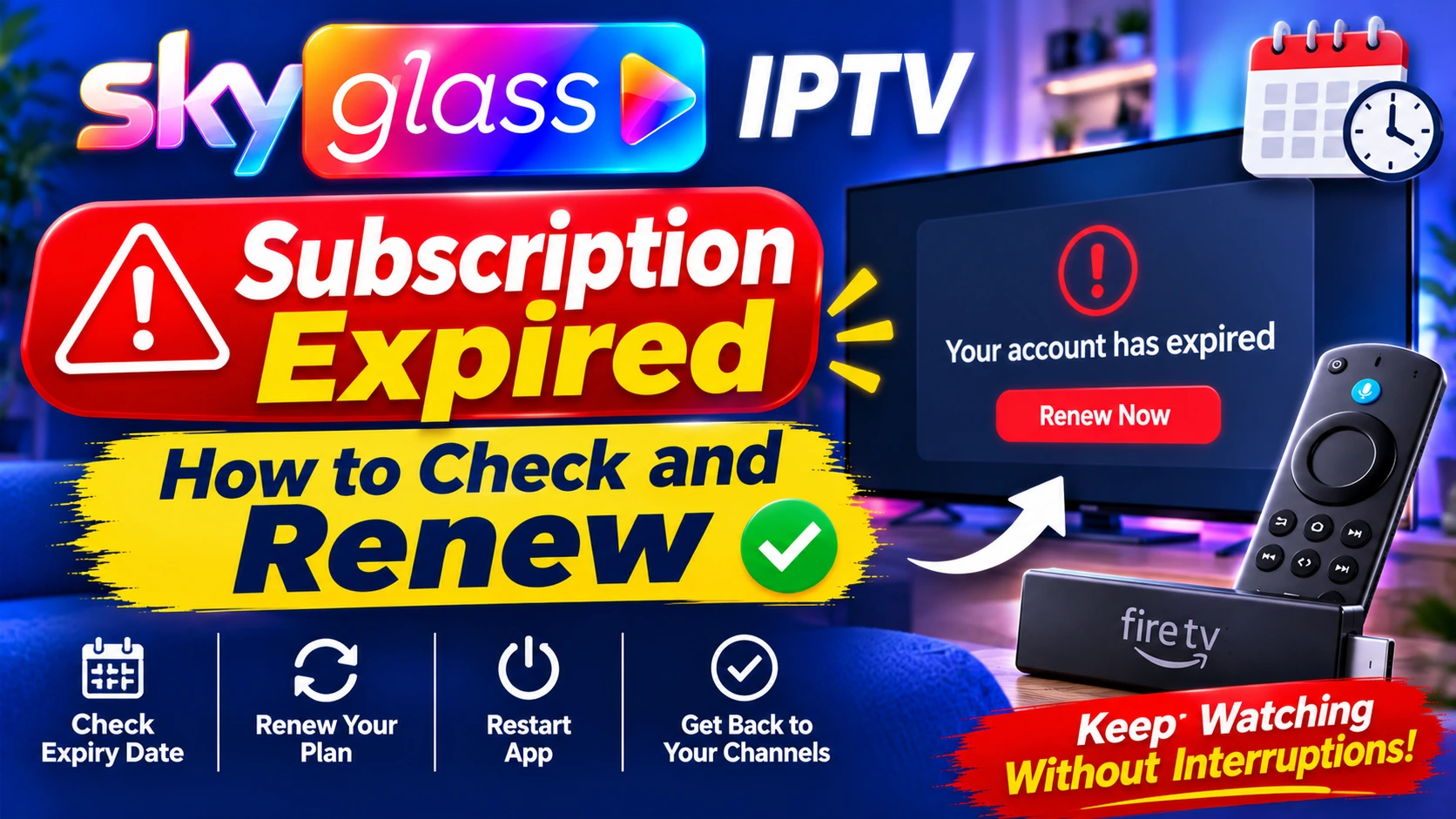
IPTV Subscription Expired: How to Check and Renew Sky Glass IPTV
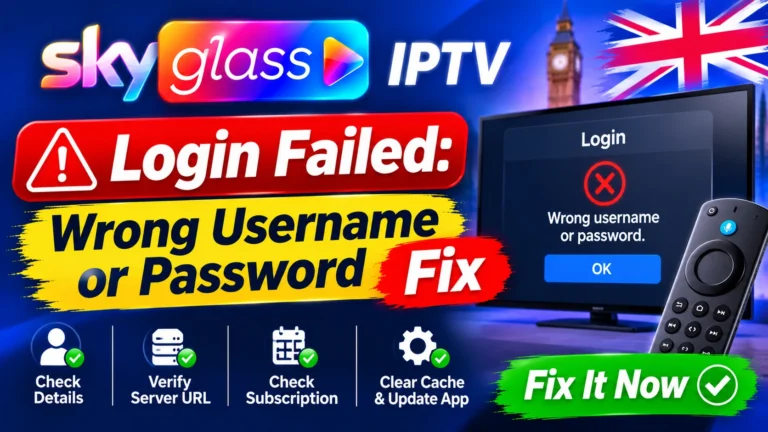
IPTV subscription expired? If the app suddenly reports that an account is invalid or expired, check the account status before making another payment. Similar messages can appear when login details are incorrect, a connection limit has been reached or the server address has changed. This guide explains how to distinguish those situations and contact Sky Glass IPTV through the correct channel.
Quick answer: Find your order confirmation and compare the plan's start date and duration with its stated end date. If the subscription has ended, use the official Sky Glass IPTV renewal route. If the dates show that it should still be active, contact support before paying again.
Confirm whether the plan has actually expired
Check the receipt, welcome message or account information supplied when you ordered. Confirm the package duration and the date service began. Do not calculate an end date from memory if the order confirmation gives a specific expiry date.
Some player apps display account status or an expiry date, while others show only the playlist. The information available depends on the player and login method.
If the same details work on one device but not another, investigate the device or connection first. If they fail everywhere, the account status or login information may need checking.
Messages that can look like expiry
You may see “account invalid”, “authorization failed”, “login failed” or an empty channel list. These messages are not proof of expiry on their own.
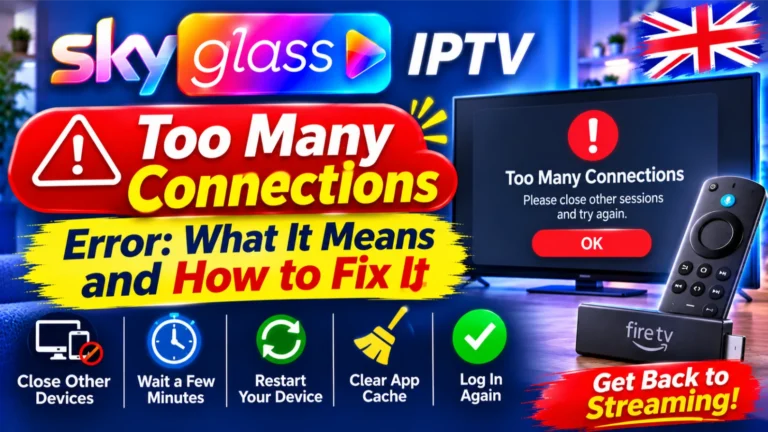
A typing error, incorrect server address, disabled account, wrong device clock or connection limit can produce similar symptoms. Re-enter the details carefully and check the account's connection allowance before assuming the plan has ended.
Renew through a verified channel
Use the renewal instructions published on the official Sky Glass IPTV website or confirmed by its support team. Check that the payment recipient and amount match the information you were given.
Be cautious of unsolicited messages offering unusually cheap renewals, asking for immediate payment or requesting your password. Keep your receipt and order reference so support can identify the transaction if anything goes wrong.
Do not pay a second time simply because the app has not updated. First confirm whether the original payment was completed and whether the account has been renewed.
Does the player app handle renewal?
A player such as IPTV Smarters Pro is software used to load and play a playlist or account. It is not necessarily the company that supplied the subscription. Renewal instructions therefore come from the provider, not from the player's general settings.
After the provider confirms renewal, reopen the player and check whether the existing login still works. If new credentials are supplied, enter them exactly as provided and remove any obsolete saved profile only if necessary.
After renewal: verify the account
Close and reopen the app, or restart the device if the account status does not refresh. Sign in with the confirmed details and test more than one channel or content category.
If the account still appears expired, check the device date and time, confirm the server address and send support your payment confirmation and username. Avoid sending your password or full card details.
What happens to an expired account?
Account retention and whether the same login can be renewed are provider-specific policies. Check the current terms or ask Sky Glass IPTV support to confirm the applicable rule. Do not assume that an expired account is automatically deleted or that the same credentials will always remain available.
Avoid an unexpected interruption
Keep the original order confirmation and note the stated expiry date. A calendar reminder before the end of the term can give you time to check renewal options. Make sure your contact details are current so you can receive account notices.
Frequently Asked Questions
How can I tell whether my IPTV subscription has expired?
Check the order's stated expiry date, review any account-status information in your player and ask the provider to confirm.
Why does my Firestick say the account is invalid?
Expiry is one possibility, but incorrect credentials, a wrong server address or a connection limit can produce similar messages.
Can I renew inside IPTV Smarters Pro?
The player itself does not necessarily sell or renew the subscription. Follow the renewal process provided by the company that issued your login.
Will my login details stay the same after renewal?
That depends on the provider's account policy. Use the existing details only if support confirms they remain valid.
Should I pay again if the app still says expired?
No. Check the payment status and contact official support with your receipt before making another payment.
Need more help?
For help, send Sky Glass IPTV support your order reference, the date of your last payment and the exact error message. Do not include your password or full payment-card information.